Make a game with AI. Play it on your handheld.
PocketVibe puts three.js games on handhelds that run ROCKNIX. Get games from the store, or describe your own to Claude, Cursor or any AI coding tool and publish it for everyone.
Free and open source. Made on an Anbernic RG34XX SP.
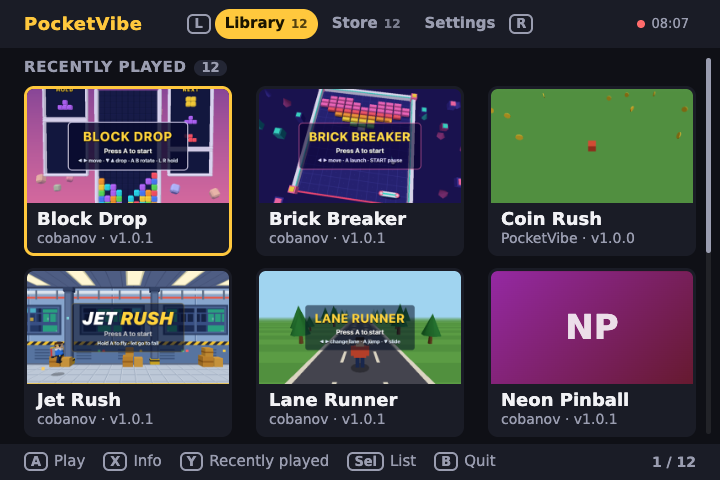
Put it on your handheld
-
1
Download PocketVibe.zip
It is the app for handhelds that run ROCKNIX. The handheld needs Wi-Fi for the store.
-
2
Unzip it into
roms/portsOn the handheld's games SD card, or over its network share.
-
3
Open Ports, then PocketVibe
The first start downloads the game engine, about 150 MB. After that PocketVibe opens in seconds and keeps itself up to date.
In a game, hold Start and Select to go back to PocketVibe.
Make your own game
Start from a project that already knows the handheld.
npm create pocketvibe@latest my-game
cd my-game
npm install
npm run dev
Describe your game to your AI coding tool. The project's AGENTS.md tells it the
screen size, the buttons and the performance budget measured on the handheld, so the game
runs at 60 fps there too. Your browser shows it at the handheld's 720 by 480, with its
buttons on your keyboard.
When it plays well, publish it to the store. You sign in with GitHub, and a new game appears once it is reviewed.
npx pocketvibe publish